Docs › Saved Sessions & Handoff
Saved Sessions & Handoff
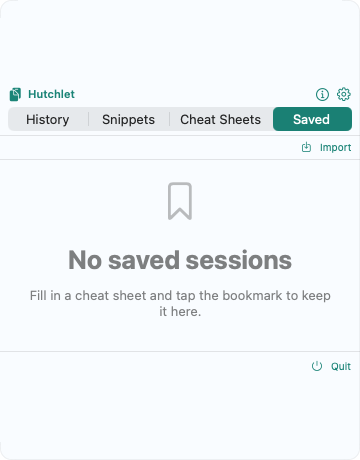
Filled in a cheat sheet you’ll want again? Save it. Want a teammate to have the exact same command? Hand it off as a link. Both live in the Saved tab.
Saved Sessions
After you fill in a cheat sheet’s parameters, tap the bookmark to keep the rendered command — values and all — in Saved. It’s ready to copy or paste again without re-entering anything. Hutchlet stores the original template’s title alongside it, so a saved session stays readable even if the template is later removed, and tracks how often and when you use it.
“Fill in a cheat sheet and tap the bookmark to keep it here.”
Handoff: share as a link
From a saved session, Copy share link puts a portable hutchlet-session:// link on your clipboard. Anyone with Hutchlet can import it — paste it and choose Imports a handoff link from the clipboard, and the filled-in session appears in their Saved tab.
Save your session
Fill in the cheat sheet, then bookmark it.
Copy the share link
“Copied a shareable link to the clipboard.”
Send it
Drop the link into chat, email, or a wiki.
They import it
Your teammate imports the link and gets the exact same session — “Session imported.”
No secrets in links. A session that has a secret parameter can’t be saved or shared as a link — sensitive values never travel.