How-to › Team command playbook
Build a team command playbook
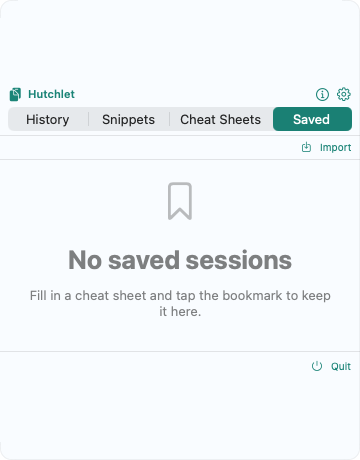
The fastest way to get a teammate to run the right command is to hand them the exact one. With Saved Sessions and Handoff, your playbook travels as a link.
Fill in the command once
Use a Cheat Sheet, set the parameters for your environment, and check the preview.
Save the session
Tap the bookmark to keep the filled-in command in the Saved tab.
Copy a Handoff link
Choose Copy share link — Hutchlet puts a portable
hutchlet-session://link on your clipboard.Share it
Drop the link in chat, a runbook, or a wiki. Anyone with Hutchlet imports it and gets the identical session.
Why teams like it
- Consistency — everyone runs the same command with the same flags.
- Onboarding — a newcomer uses an expert’s command without learning the full syntax.
- Safety — imported templates start quarantined; they can be copied and reviewed, but execution is gated until trusted.
Secrets never travel. A session with a secret parameter can’t be shared as a link — your credentials stay on your Mac.